Description
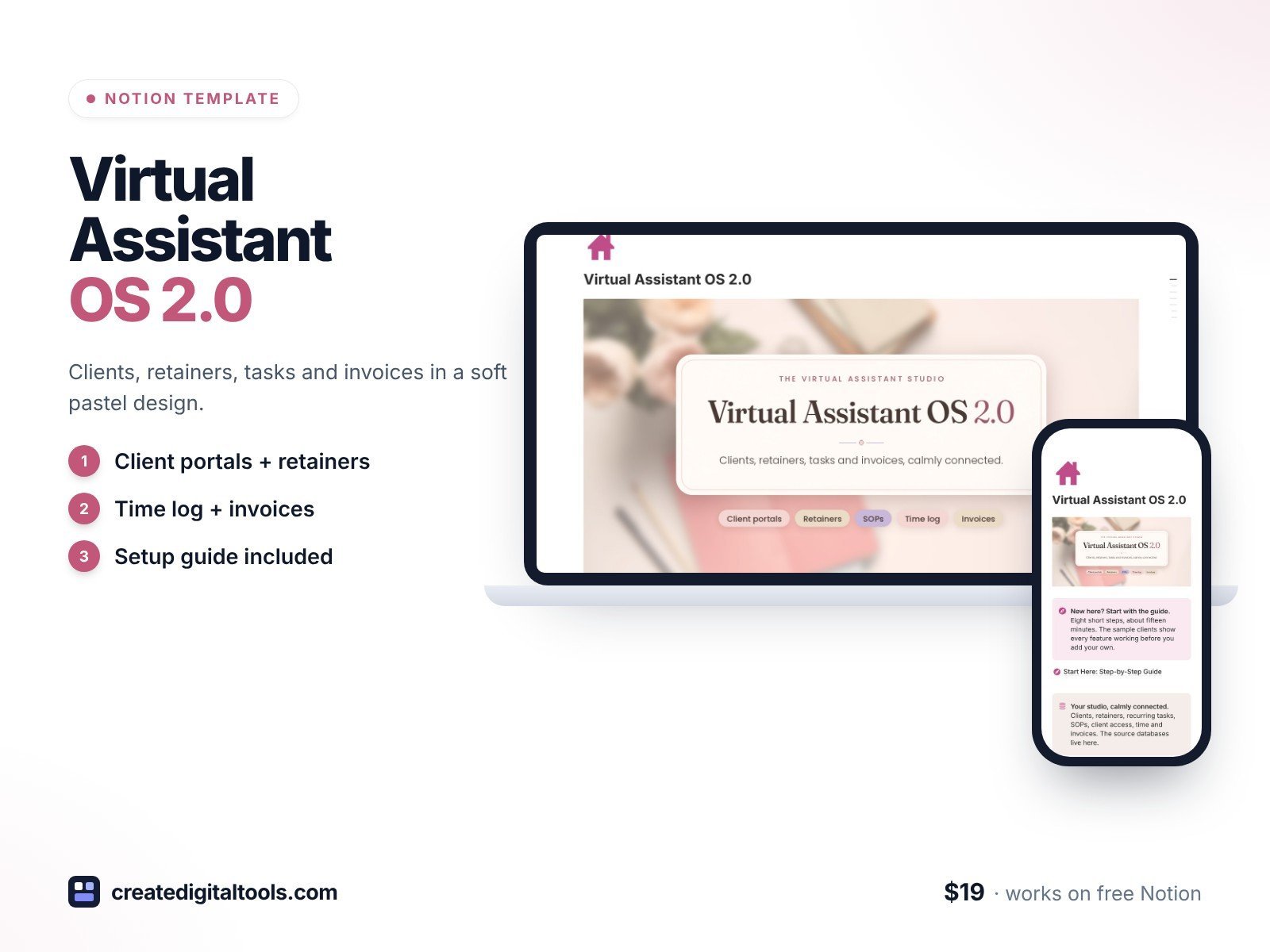
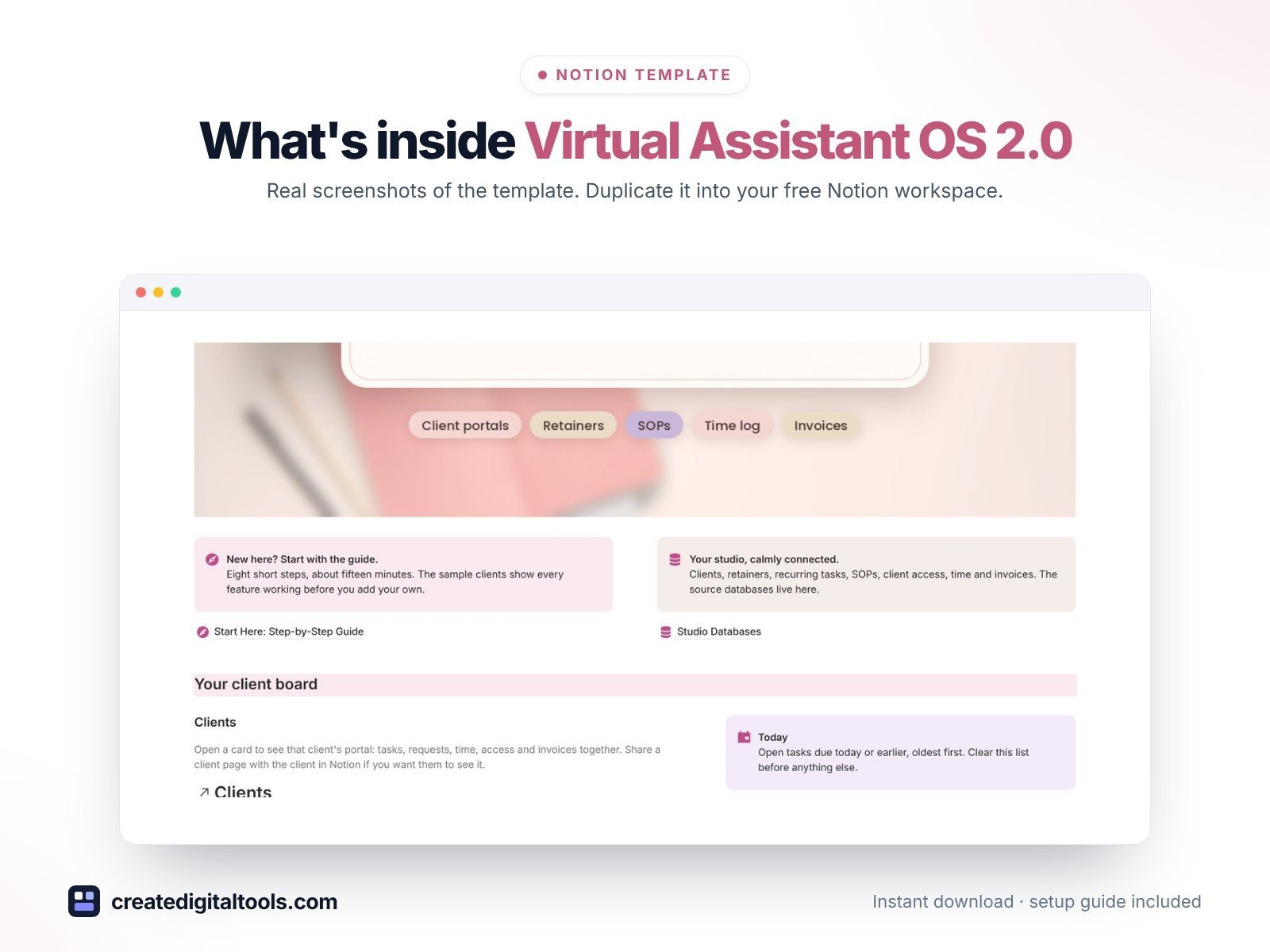
Virtual Assistant OS 2.0 is the 2.0 design edition of Virtual Assistant Studio OS: the same features as the original, with a new soft pastel design. Blush, sand and dusty lilac tones, work-from-home photos in arched frames, elegant serif titles and a new client board front page.
Run your VA business from a calm, connected Notion workspace: clients, retainers, recurring tasks, SOPs, client tool access, time and invoices.
What’s inside
- Client board front page: your clients as photo cards next to Today’s list and Hours this week
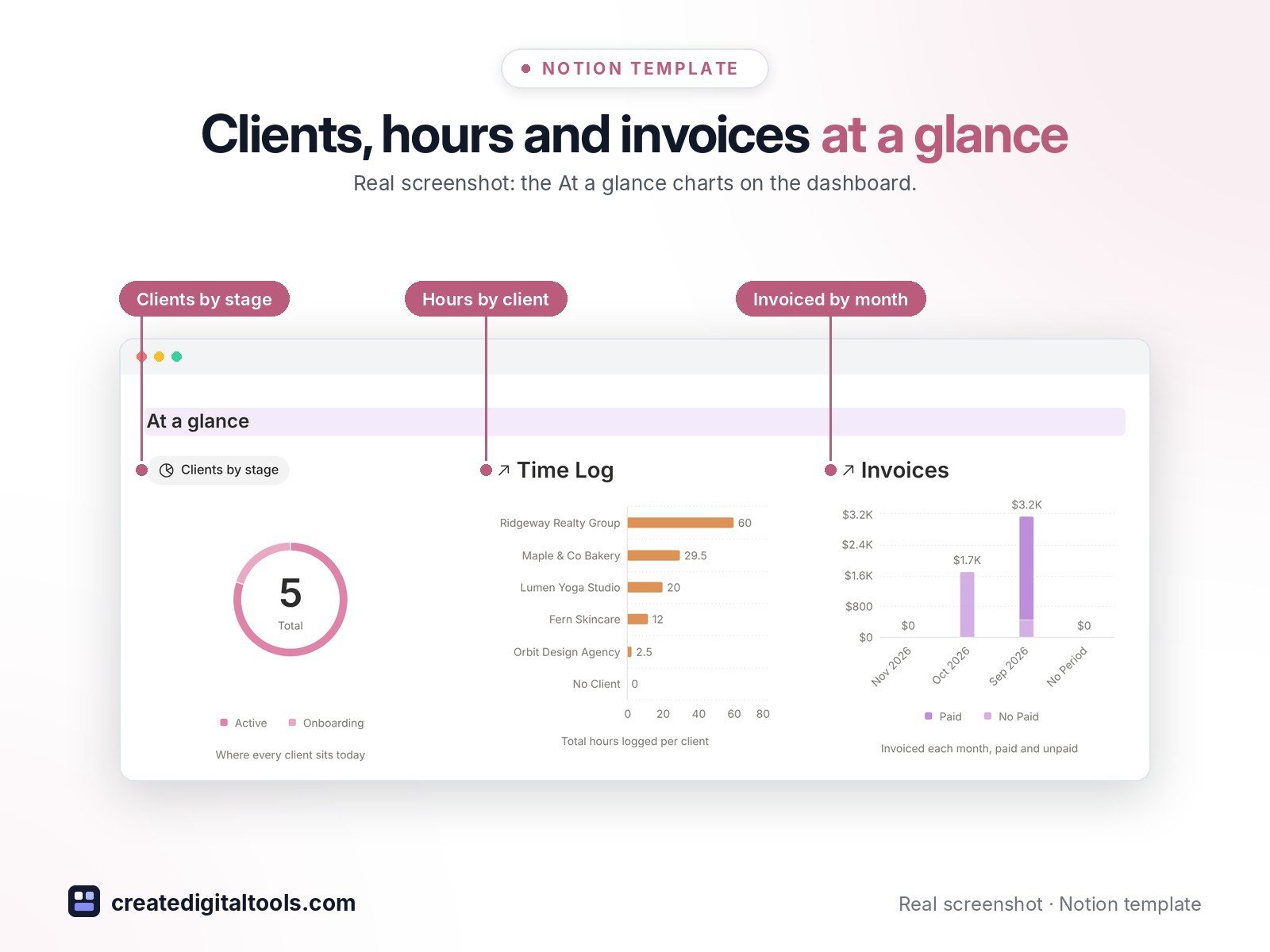
- At a glance: clients by stage, hours by client, and invoiced by month (paid and unpaid)
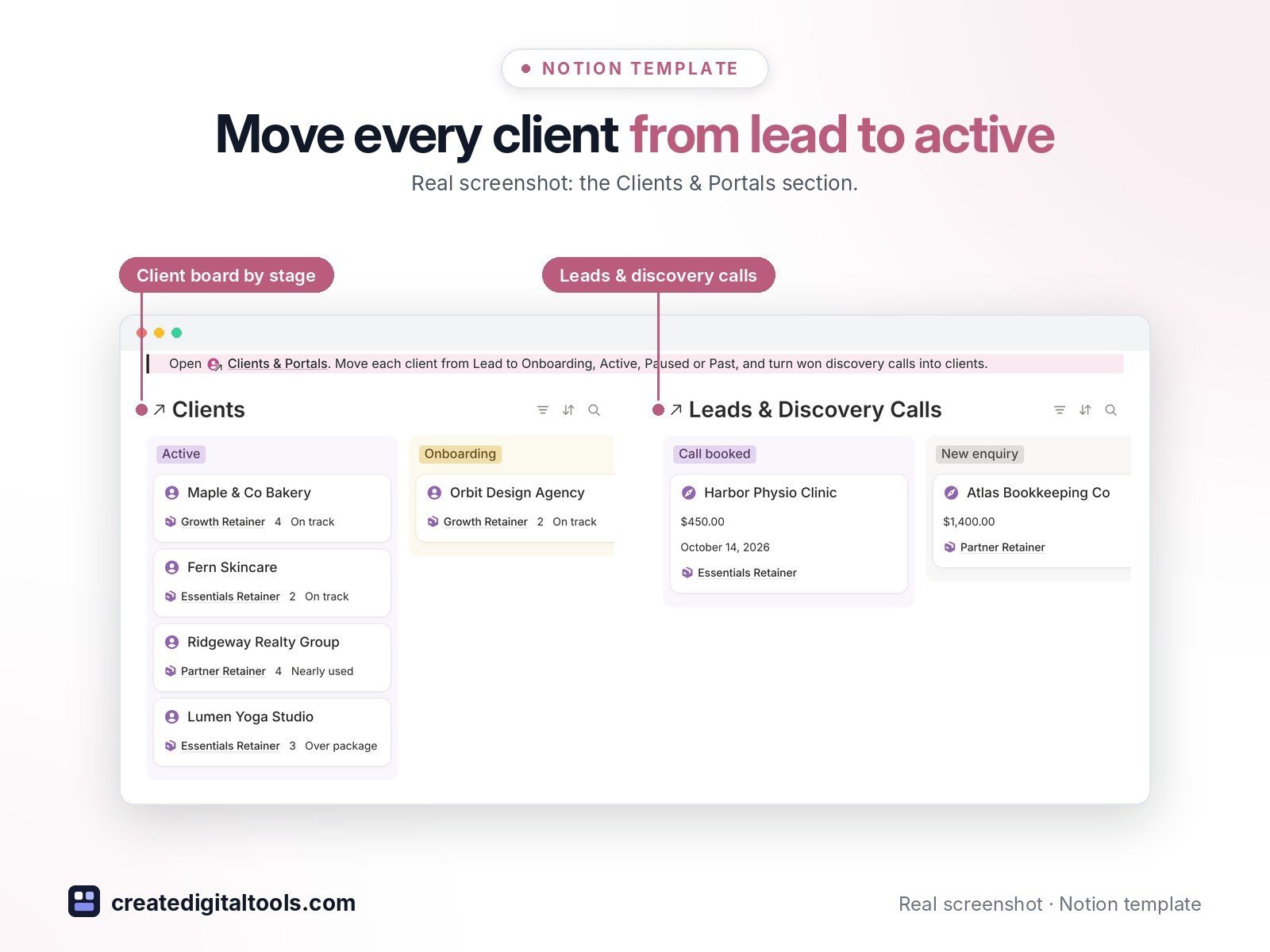
- Client portals: open a client to see their package, tasks, requests, time, access and invoices together, and share the page with the client if you want
- Retainer maths: hours used this month, hours remaining, overage hours, overage fee and This month to invoice, worked out for you and reset on the 1st
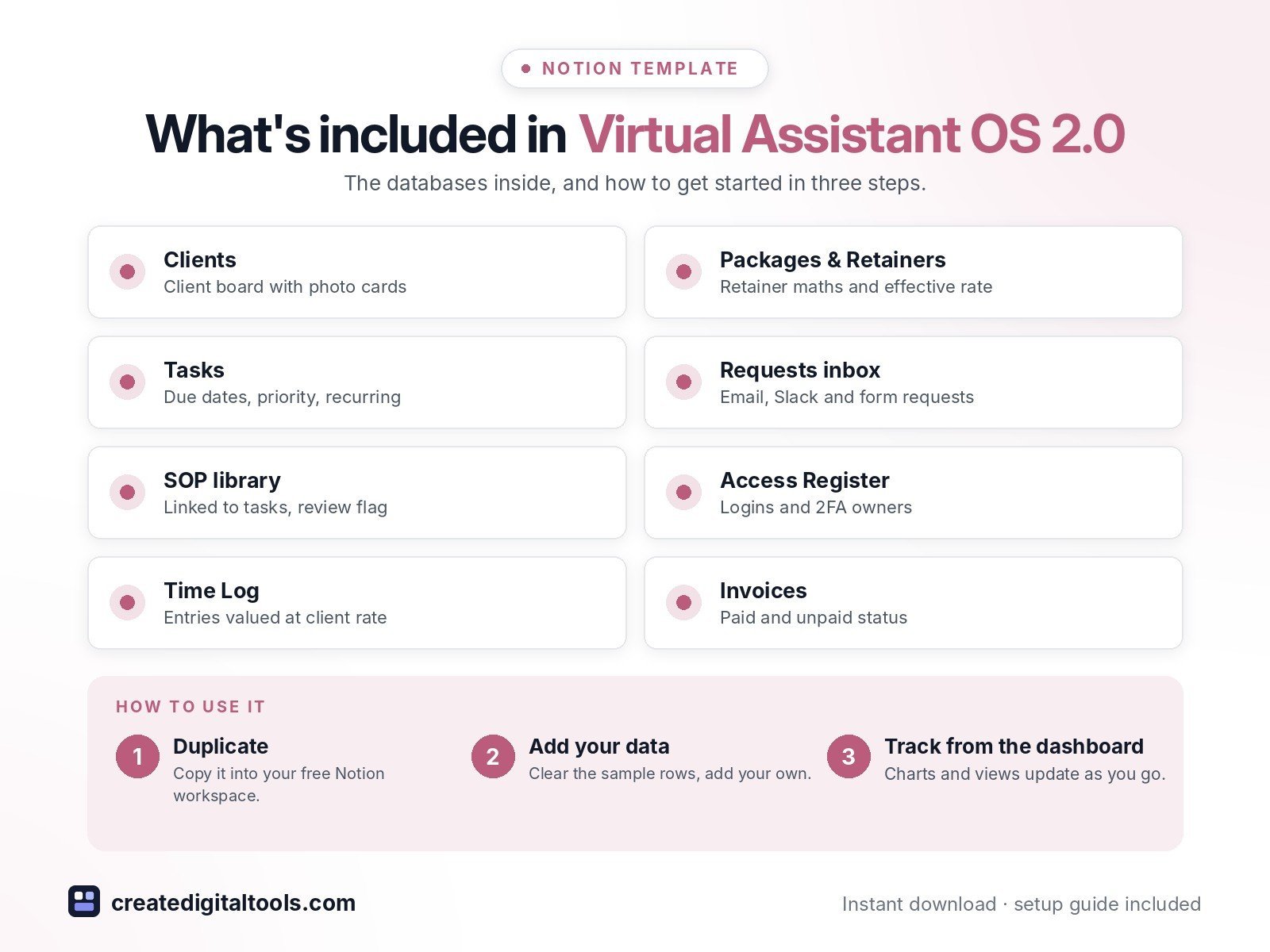
- Packages & Retainers with effective rate (fee divided by hours)
- Tasks with due dates, priority, recurring schedule (daily, weekly, monthly) and a linked SOP
- Requests inbox for email, Slack, voice note and form requests
- SOP library linked to tasks, with a review flag
- Access Register for logins and 2FA owners (no passwords stored)
- Time Log that values each entry at the client’s rate and links into the monthly invoice
- Invoices with paid and unpaid status, plus a Leads & Discovery Calls pipeline
- Sample data so you can see everything working before you add your own
Who it’s for
- Virtual assistants and online business managers
- Freelancers on monthly retainers
What you get
- Template link (PDF download) to duplicate into your Notion workspace
- Setup Guide PDF with step-by-step instructions
- Start Here: Step-by-Step Guide page inside the template
- Video walkthrough (being added to this page soon)
How delivery works
You get a PDF with the Duplicate link. Click Duplicate to copy the template into your free Notion workspace.
- Buy and download the PDF with your template link.
- Open the link and click Duplicate (log in to Notion first; the free plan works).
- Open the Start Here page and follow the setup steps.
Good to know
- Every database, formula and view works on the free Notion plan.
- Digital product: nothing physical is shipped.
- You need a Notion account (the free plan works).
- Sample data is fictional.
- Notion is a trademark of Notion Labs, Inc.; this is an independent template.
New to Notion? Create a free account (affiliate link: I may earn a commission at no extra cost to you).
Also available in the original edition: Virtual Assistant Studio OS
Want your own store like this one? createdigitaltools.com runs on Hostinger WordPress hosting. Start your own shop with Hostinger, or try the no-code Hostinger Website Builder.
Affiliate links: I may earn a commission at no extra cost to you.