
Description
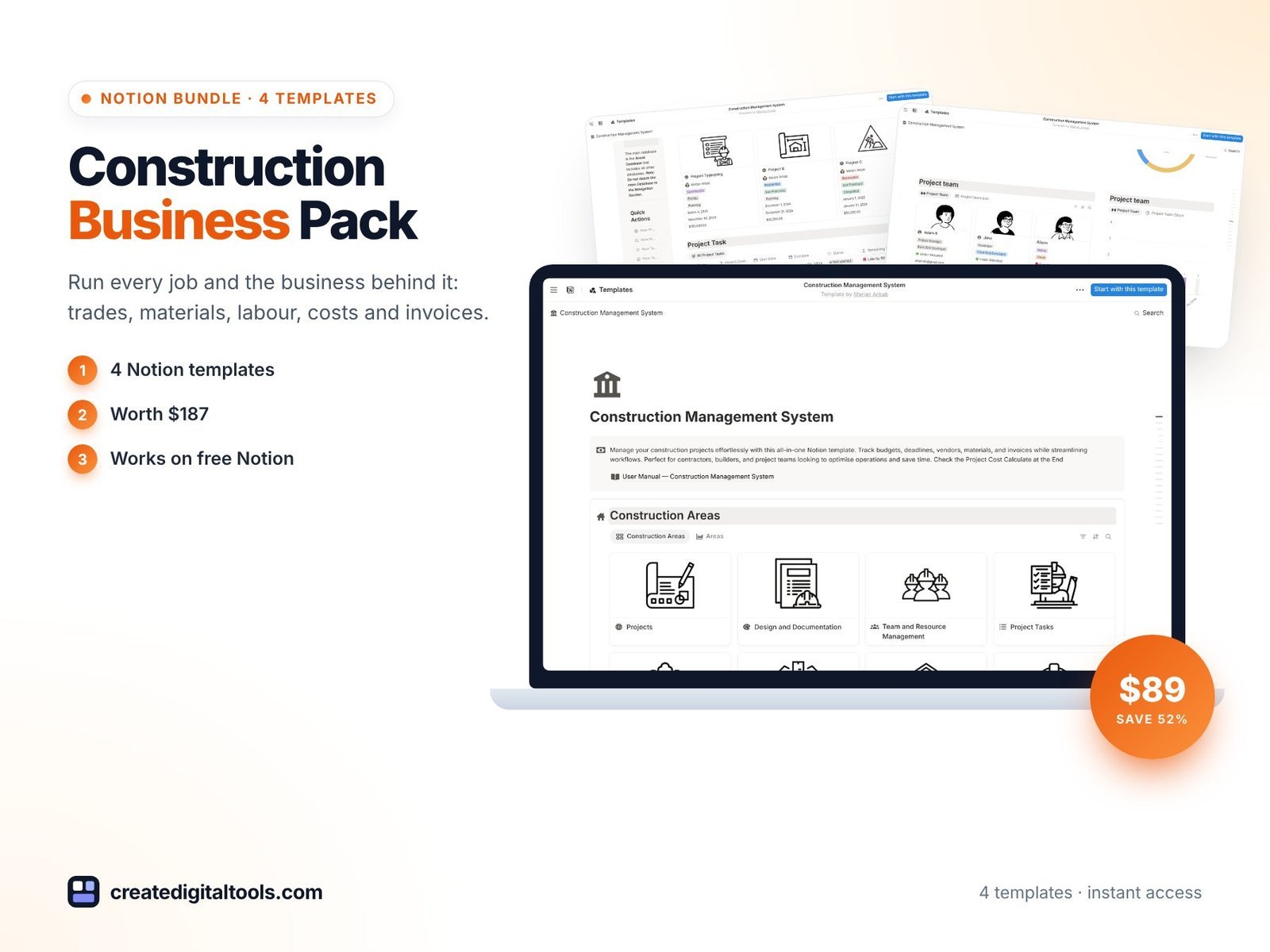
Run every job and the business behind it: trades, materials, labour, costs and invoices.
A single renovation has a client, a budget, five trades arriving in the right order, materials on order, change requests, invoices going out and coming in, and a client asking when it will be finished. Multiply that by three jobs and paper notebooks stop working.
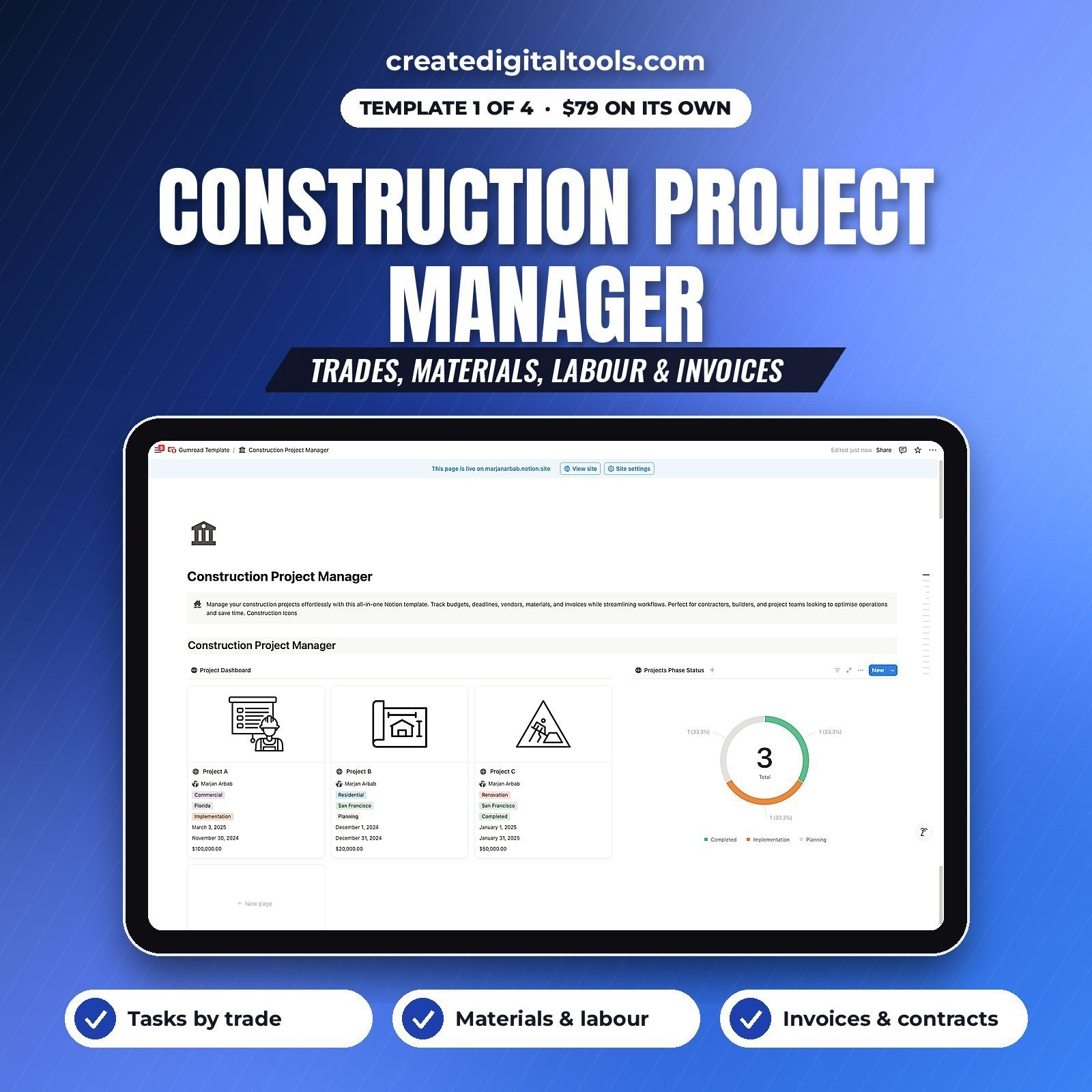
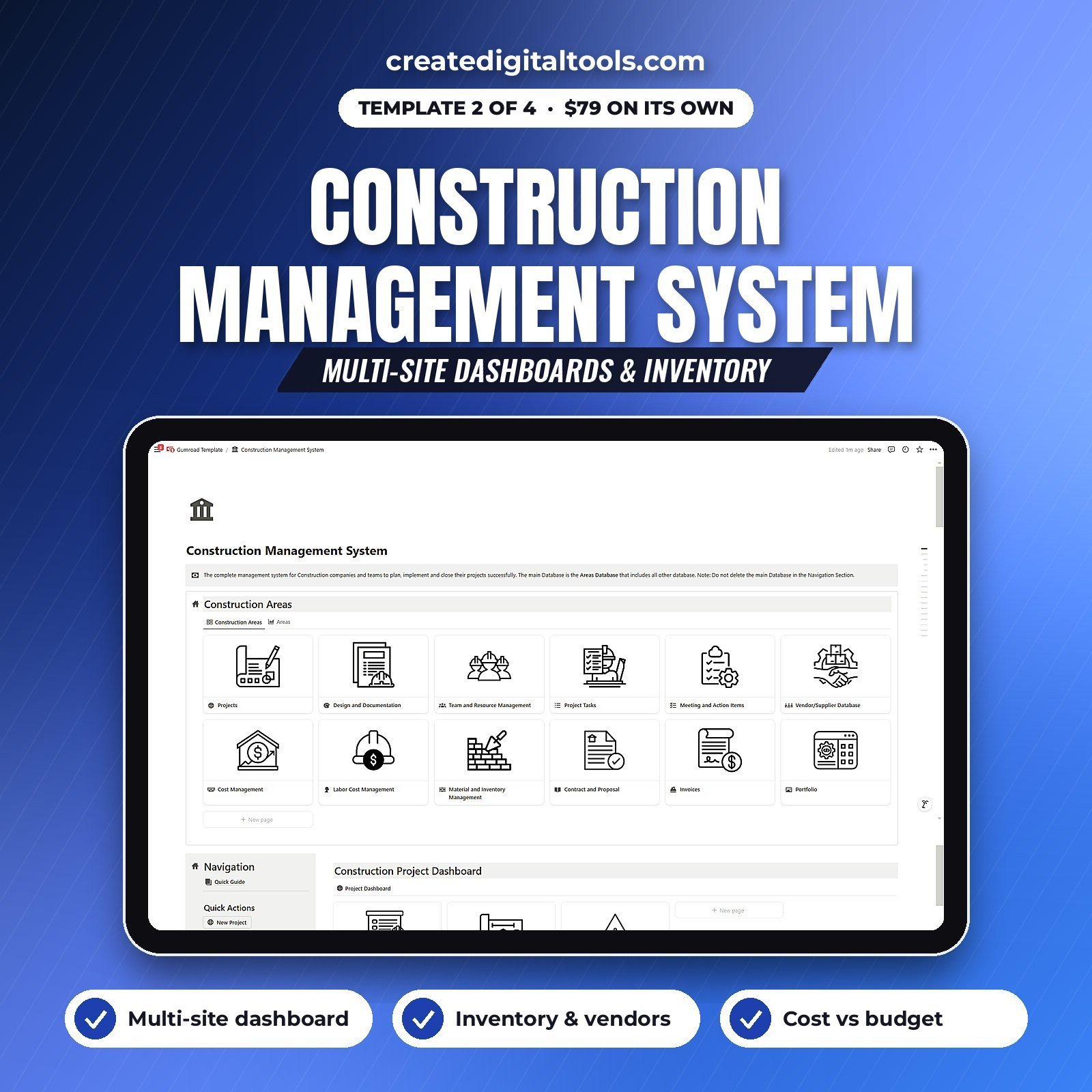
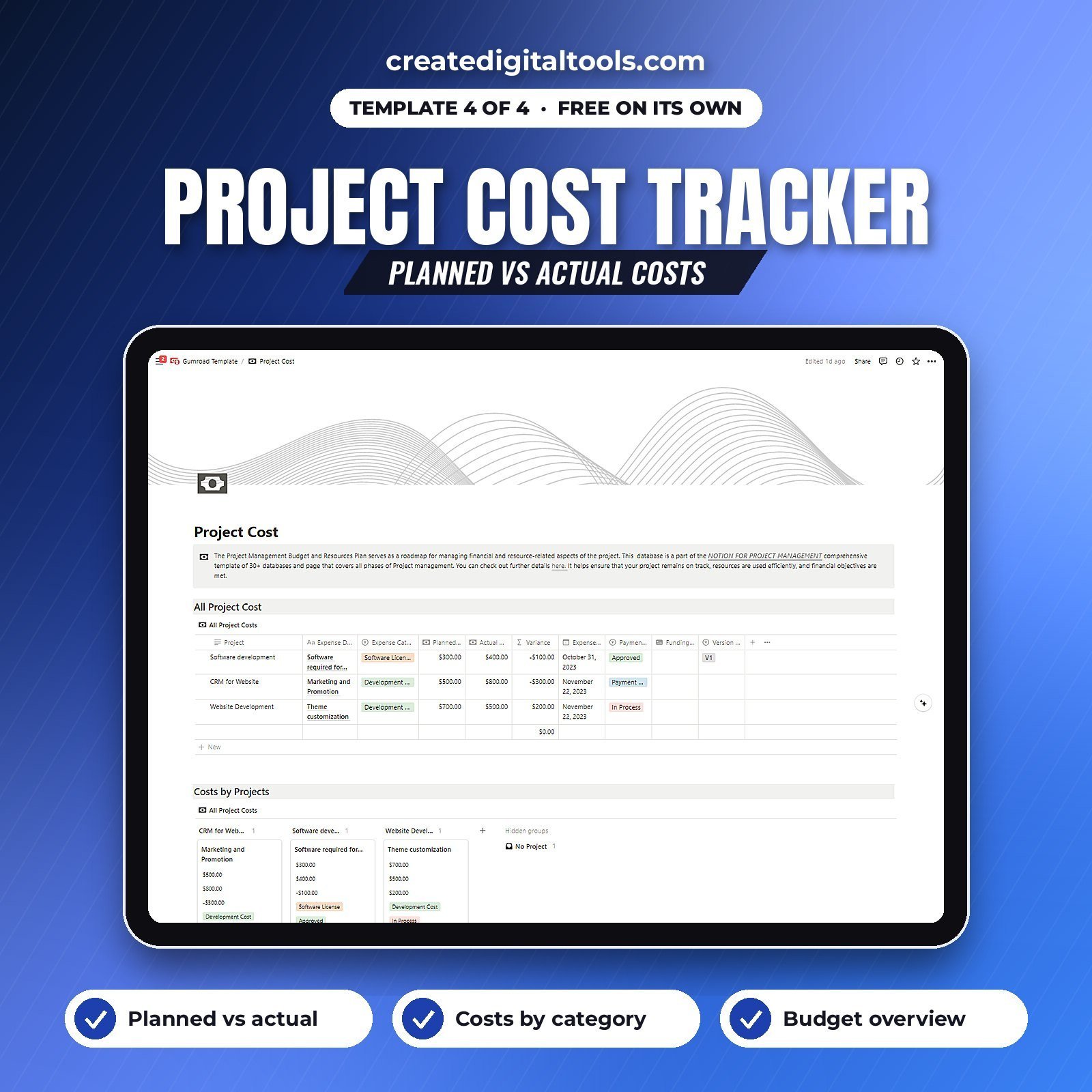
This pack covers both levels. The Construction Project Manager runs each job day to day: tasks by trade, materials, labour hours, issues, meetings, contracts and invoices, all linked to the project. The Construction Management System runs the business across all your sites: dashboards, inventory, cost against budget, vendors and architectural documents. The Finance Tracker shows the money in and out, and the Project Cost tracker catches budget leaks early.
What’s inside (4 Notion templates)
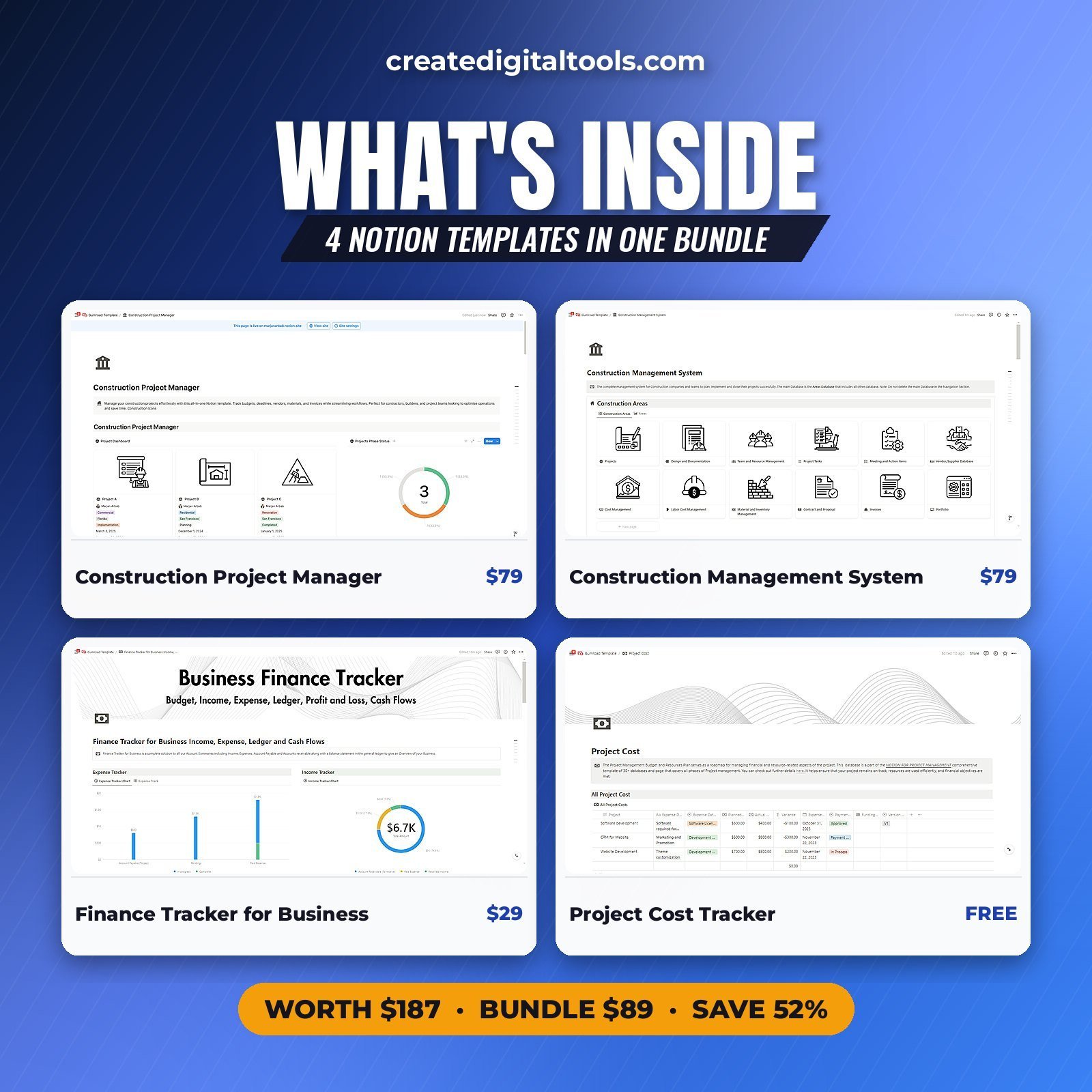
- Construction Project Manager: 11 linked databases: trades, materials, labour, invoices. ($79 on its own)
- Construction Management System: multi-site dashboards, inventory, vendors, contracts. ($79 on its own)
- Finance Tracker for Business: income by source, expenses, ledger, cash flow. ($29 on its own)
- Project Cost Tracker: planned vs actual costs by category. (free on its own)
Separately $187. In this bundle $89, a saving of 52%.
How you get it
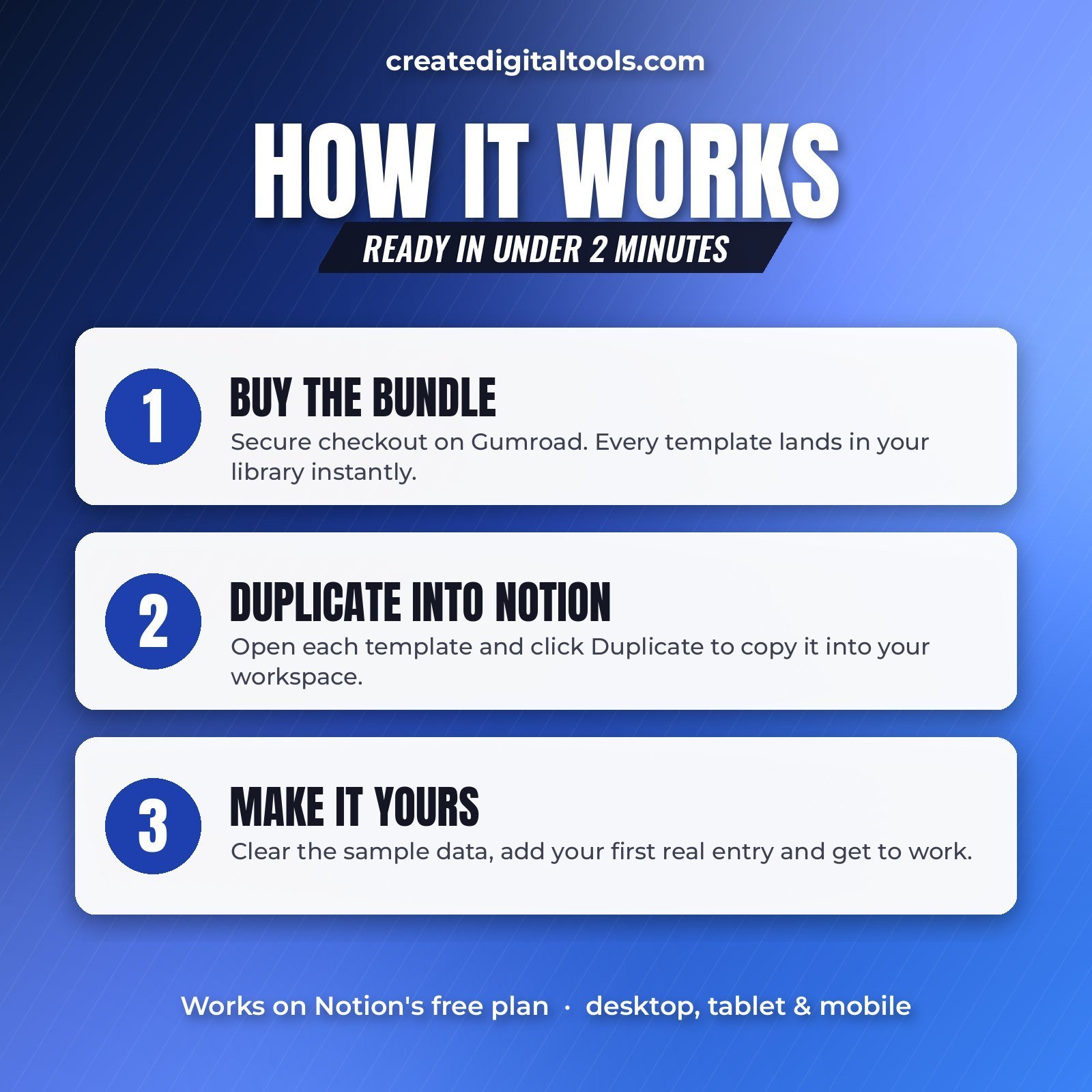
- Click Buy on Gumroad and complete checkout.
- Every template in the bundle appears in your Gumroad library. Open each one and click Duplicate (top right of the Notion page) to copy it into your workspace.
- Open the User Manual page inside each template, delete the sample data and add your first real entry.
Works on Notion’s free plan. Lifetime access, no subscription. Questions? Email hello@marjanarbab.com and I’ll help.
Get the Construction Business Pack on Gumroad →
Join our free community for weekly Notion setups: Notion Market Hub Templates Community
Try Notion Free — No Credit Card Needed
New to Notion? These templates run on the free plan for one person. Free limits file uploads to 5 MB each and limits blocks once 2 or more members share a workspace, so a team will likely need a paid plan. No credit card required. Start your free Notion trial here
Ready to Scale? Upgrade to Notion Plus
Notion Plus lifts the free plan block limit for teams, raises file uploads to 5 GB each and gives you 30 days of page history. Upgrade to Notion Plus
Let Notion AI Work Inside These Templates
Auto-fill properties, generate summaries, draft content and run AI actions directly inside your workspace. Add Notion AI to your workspace
Affiliate links: I may earn a commission at no extra cost to you.
Want your own store like this one? createdigitaltools.com runs on Hostinger WordPress hosting. Start your own shop with Hostinger, or try the no-code Hostinger Website Builder.
Affiliate links: I may earn a commission at no extra cost to you.