Notion Template for Dropshipping: Product Research, Orders, Ads and True Profit
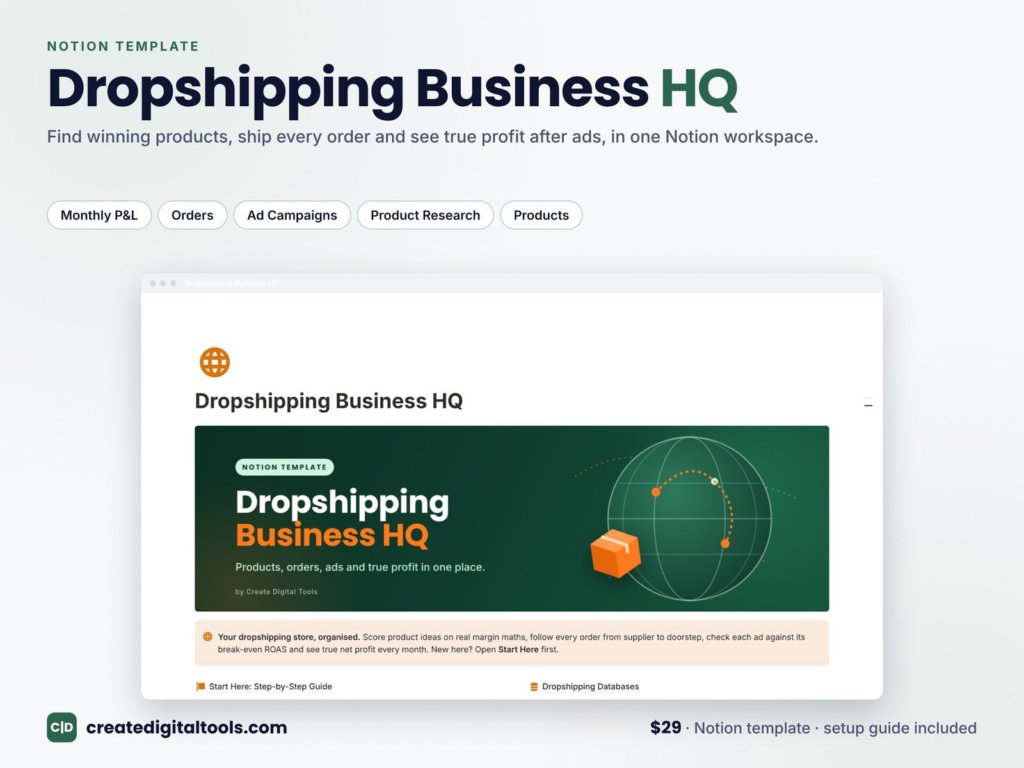
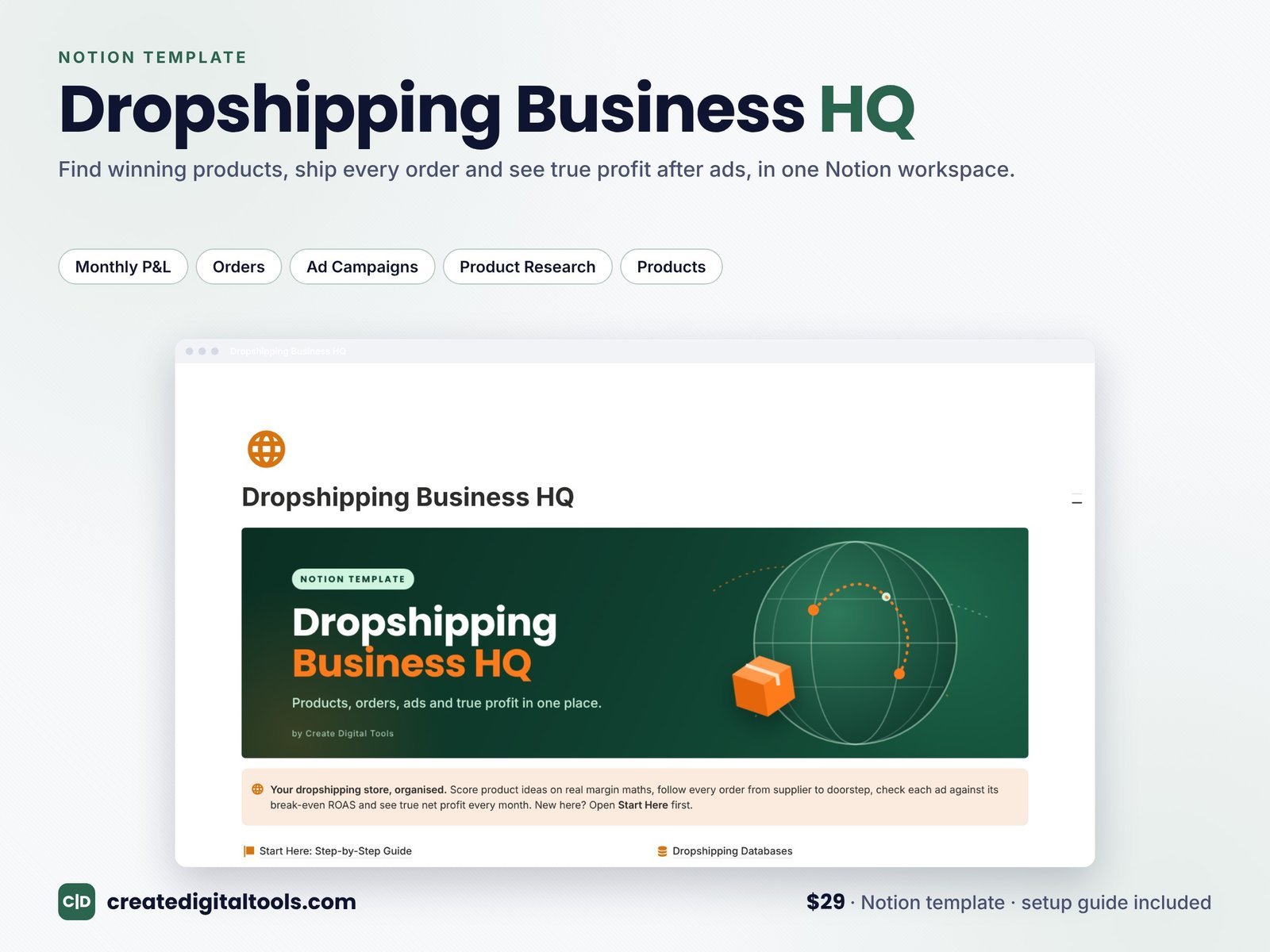
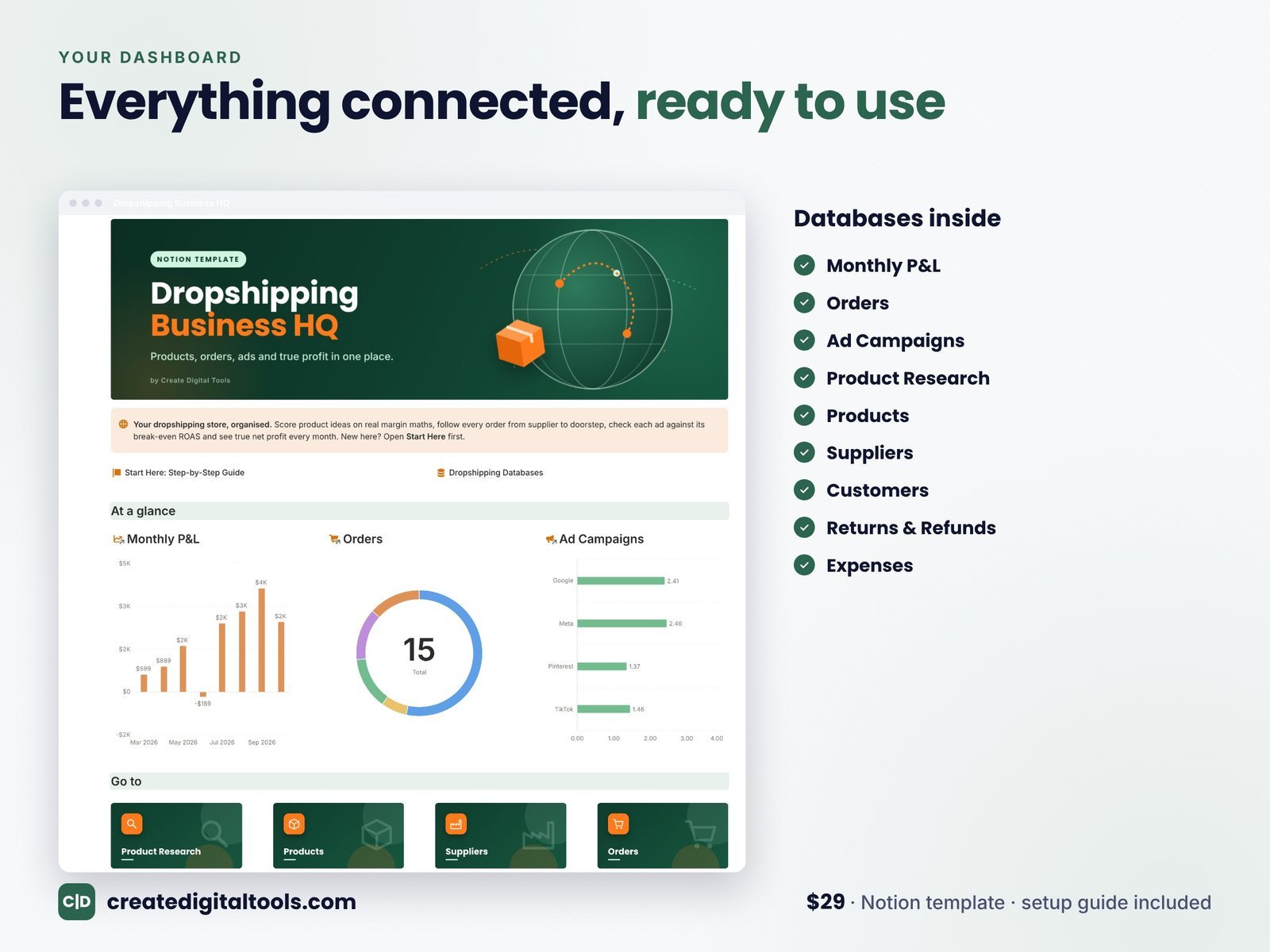
Short answer: a good dropshipping Notion template connects Product Research, Products, Suppliers, Customers, Ad Campaigns, Returns, Expenses and a Monthly P&L. That way you can see which products actually make money once ad spend, payment fees and refunds are taken out. Dropshipping Business HQ ($29) from Create Digital Tools (formerly Notion Market Hub) is a ready-made version for solo dropshippers and small store owners. It has six working sections and more than 40 views.
The real problem in dropshipping: revenue is not profit
Shopify shows revenue. Meta and TikTok show ROAS. Your supplier shows costs. None of them shows net profit per product, and that is the number that decides whether your store survives. Plenty of stores doing $20,000 a month in sales are losing money once ads, refunds, payment fees and app subscriptions are counted. A Notion system that joins these numbers together is the cheapest fix.
What’s inside Dropshipping Business HQ
Dashboard with live charts
Three charts update as you work: net profit by month, orders by fulfilment status and average ROAS by platform. You can see in seconds whether this month is better than last and which ad platform is pulling its weight.
Product Research with a 0 to 100 score
Log every product idea with supplier cost, shipping cost and target price. The template calculates estimated profit, estimated margin and a 0 to 100 Score that ranks ideas for you. You stop testing products that could never be profitable at a realistic ad cost.
Products: your live catalogue with break-even ROAS
Every live product shows profit per unit, margin and break-even ROAS, plus units sold, revenue, ad spend, refund cost, net after ads and a Health flag. Break-even ROAS is the most useful number in paid-traffic dropshipping. It is the ROAS you need just to not lose money:
Break-even ROAS = 1 ÷ margin before ads
A product with a 40% margin before ads breaks even at a ROAS of 2.5. Anything below that loses money on every ad-driven sale.
Suppliers
Rating, shipping speed, MOQ, contact and every product they supply, with average product margin per supplier. When a supplier’s shipping slips from 8 days to 15, you see which products are exposed.
Customers
Order count, lifetime value, lifetime profit and a Tier of New, Repeat or VIP. Repeat customers are where dropshipping margins really improve, because you did not pay to acquire them twice.
Ad Campaigns with a verdict
Spend, ad revenue, purchases and clicks give you ROAS, CPA, CPC and conversion rate. Each campaign gets a plain-English Verdict: Profitable, Break-even or Losing money, so decisions take seconds.
Returns and Refunds
Reason, type, status, refund amount and supplier credit, all feeding your P&L. Patterns jump out: if one product’s main return reason is “smaller than expected”, fix the listing photos.
Expenses
Store plan, apps, samples, freelancers and subscriptions, on a calendar and by category. App subscriptions are the silent profit killer for small stores, so seeing them in one list helps.
Monthly P&L
Revenue, cost of goods, shipping, payment fees, ad spend, refunds and tools, rolled into gross profit, net profit, net margin and blended ROAS.
A worked example: is this product actually profitable?
You sell a posture corrector for $39.99. Supplier cost is $8.20 and shipping is $4.30, so cost of goods is $12.50. Payment fees at about 3% plus 30 cents come to roughly $1.50. Profit before ads is $39.99 − 12.50 − 1.50 = $25.99, a 65% margin. Break-even ROAS is 1 ÷ 0.65 = 1.54.
Your Meta campaign shows a ROAS of 1.9, which looks fine. But the product has a 9% refund rate. Once refunds are included, net after ads drops close to zero, and the Health flag turns amber. Without the template you would probably have scaled this campaign. With it, you fix the refund problem first.
How to set it up
- Duplicate the template from the link in your download PDF. The free Notion plan works.
- Read Start Here, the step-by-step setup guide, which is also included as a PDF.
- Add suppliers, then link each live product to its supplier.
- Enter your current costs and prices. Profit, margin and break-even ROAS appear immediately.
- Add this month’s ad campaigns with spend and revenue from your ad manager.
- Log expenses, including every app subscription.
- Delete the sample data when you are ready.
A weekly routine for dropshippers
- Daily (5 minutes): update campaign spend and revenue, and check the verdicts.
- Twice a week: check orders by fulfilment status and chase anything stuck.
- Weekly: score new product ideas, and kill tests that cannot reach break-even ROAS.
- Monthly: close the P&L, review the Health flag on every product and cancel unused apps.
Notion vs Shopify apps for dropshipping
Profit apps such as TrueProfit or BeProfit connect directly to Shopify and your ad accounts, which saves data entry. They also cost a monthly fee and only show what they were designed to show. Notion is a one-time cost, holds your research, supplier notes and decisions as well as numbers, and you can change anything. Many store owners start in Notion and add an automated profit app once revenue justifies the subscription.
Who it is for
- Solo dropshippers testing products with paid ads.
- Small Shopify, WooCommerce or TikTok Shop store owners.
- Print-on-demand sellers who want profit per design. See our print-on-demand guide.
Related templates
- FBA Seller HQ ($29): for Amazon FBA. Read the FBA guide.
- Online Store Owner Kit: 5 Notion templates for online sellers.
- Ecommerce Business Management System.
- Black Friday and Holiday Sales Planner ($15).
See all industries in our best Notion templates by business type guide.
Frequently asked questions
Can I run a dropshipping business in Notion?
You can run the planning and analysis side in Notion: research, suppliers, campaigns, returns and profit. Orders are still taken by your store platform, and you log or import the figures.
What is a good ROAS for dropshipping?
There is no universal number. A good ROAS is any ROAS above your break-even ROAS, which is 1 ÷ your margin before ads.
Does it connect to Shopify automatically?
No. It is an organising tool. You can import CSV exports from Shopify into Notion databases.
Does it work on Notion’s free plan?
Yes.
Profit, fee and ROAS figures are estimates for planning, not financial or tax advice. Notion is a trademark of Notion Labs, Inc.; this is an independent template.
Notion systems, spreadsheets and planners with a setup guide. Instant download.