Claude for software and tech teams
The largest share of Claude use. Specs, code review, Claude Code for internal tools, release notes and support macros.
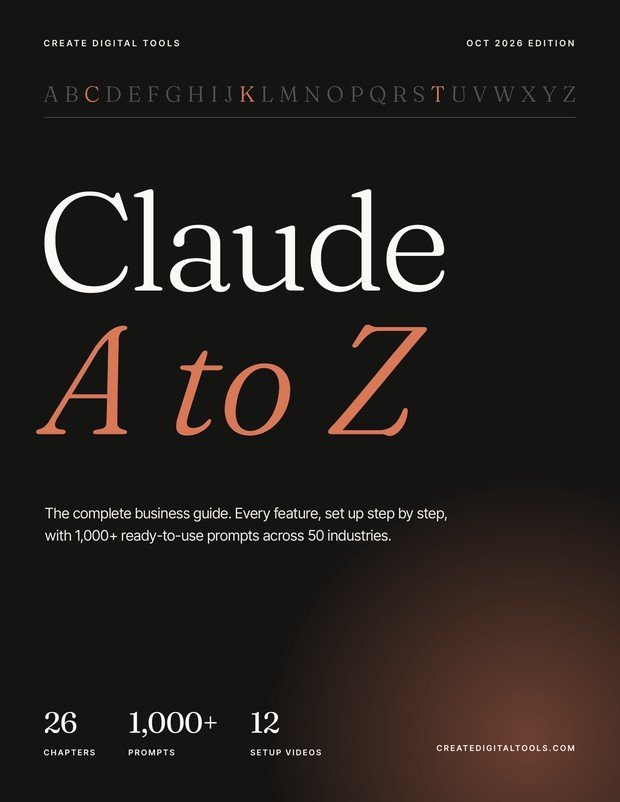
Playbook video · coming next weekClaude A to Z takes you from your first chat to a business that runs on Claude: 26 chapters with step-by-step setups on the real screens, 1,000+ copy-ready prompts across 50 industries, 10 industry playbooks and 12 setup videos.
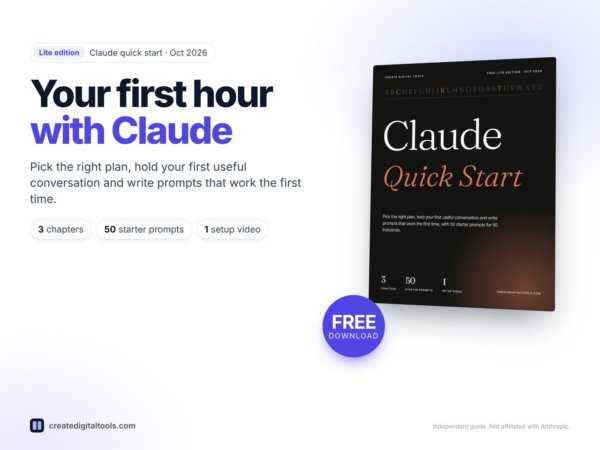
New to Claude? Get the free Lite edition (chapters A to C + 50 starter prompts).
Most Claude guides cover one slice: a list of prompts, the basics, or Claude Code for developers. This one starts at sign-up and covers every feature a business uses, then gives you the prompts and playbook for your industry.
Numbered steps beside real screenshots of claude.ai, checked against Anthropic’s own pages in October 2026.
Every business task comes with a ready prompt, the Claude feature to use and the time it saves.
Ten “Claude for…” playbooks for the fields that use Claude most, plus 20 prompts for each of 50 industries.
Chapter openers carry a QR code to the matching walkthrough, so you watch the screens while you read.
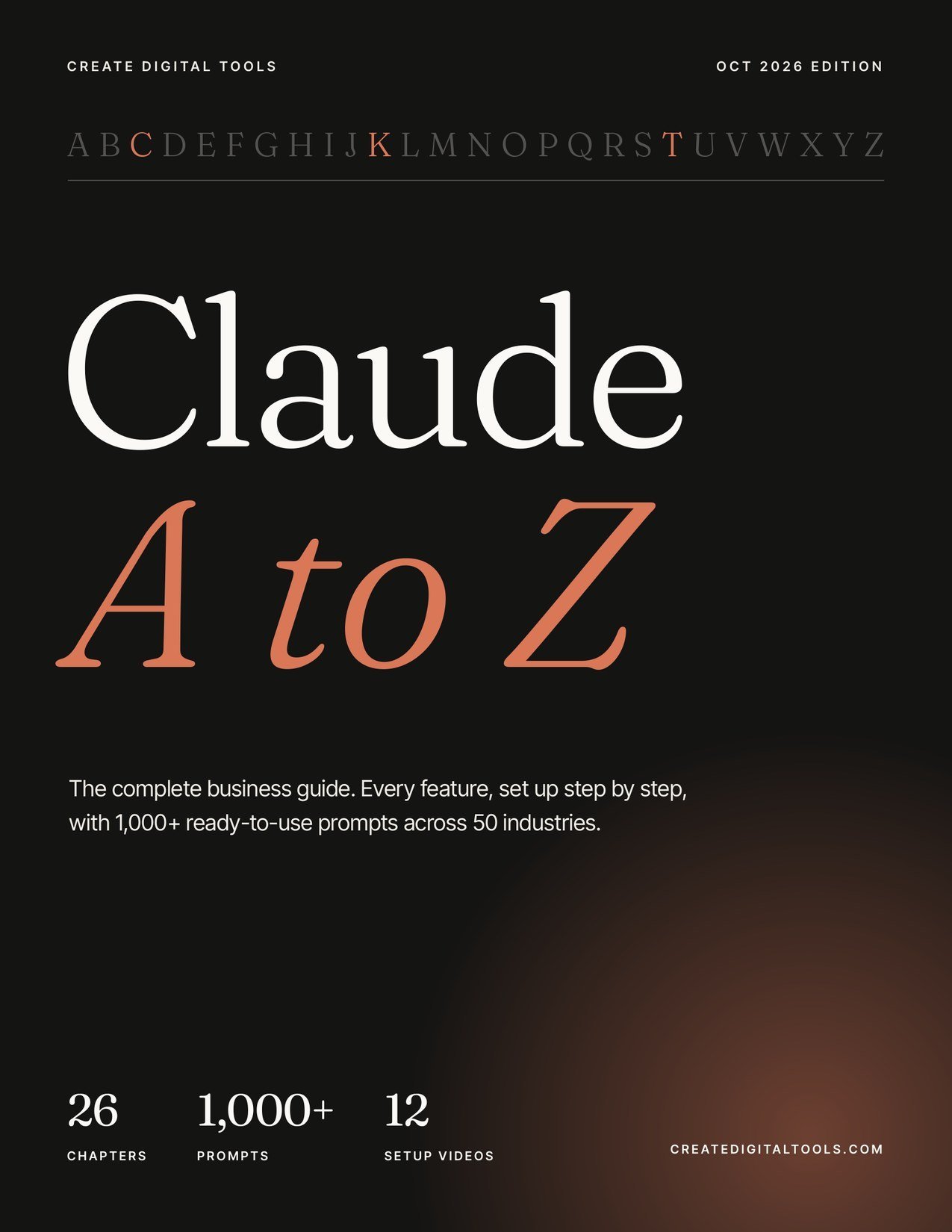
Real pages from the October 2026 edition: chapter C on prompting and chapter K on Projects, plus the cover, contents and a page of the prompt library.
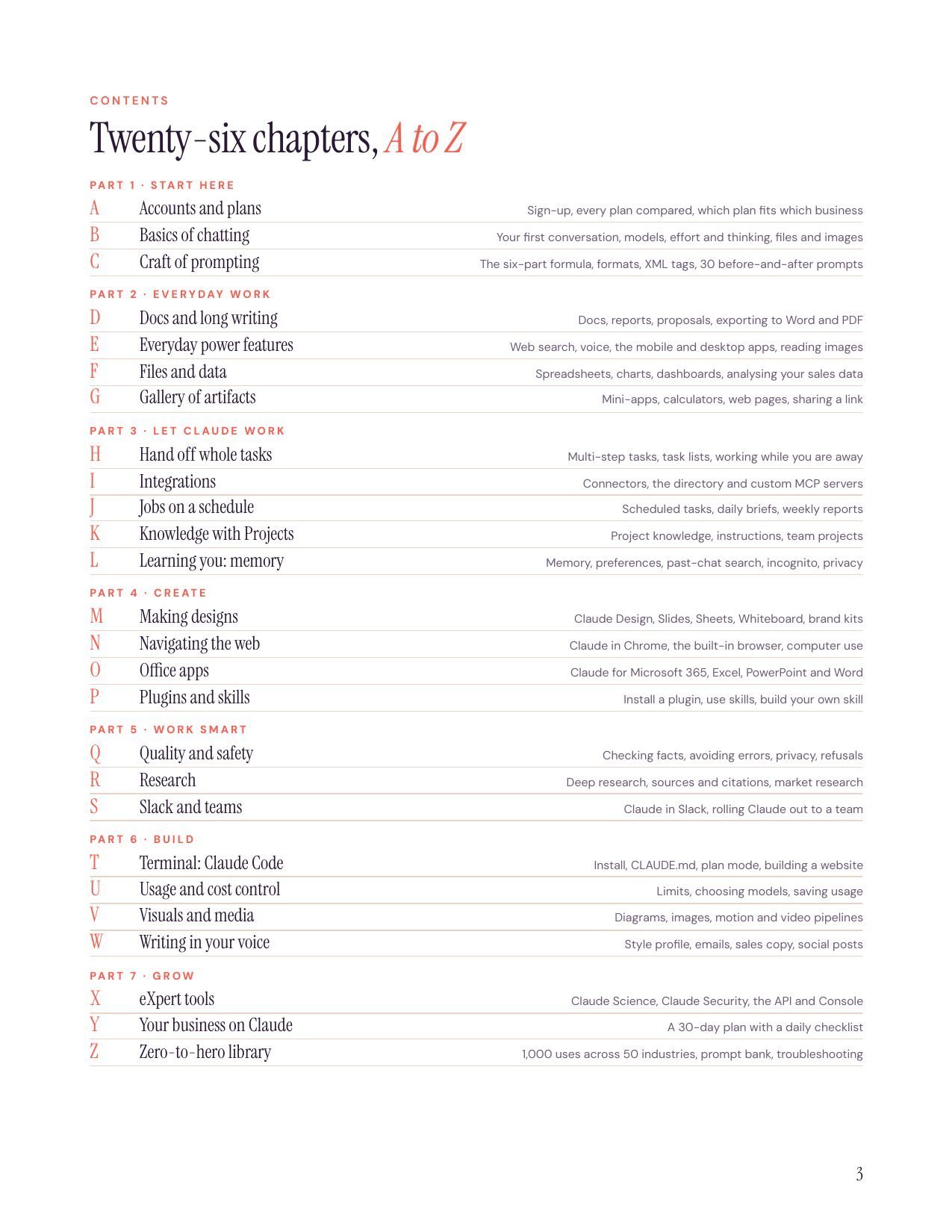
Seven parts take you from your first chat to a business that runs on Claude every day. Part 8 adds ten industry playbooks.
Also inside: a “start in 10 minutes” page, a feature map, troubleshooting from A to Z, the 150-prompt bank and a 30-day plan with a daily checklist.
Ten playbooks for the fields that use Claude the most, chosen from Anthropic’s Economic Index (January and March 2026). Each one gives you the setup, the workflow, the prompts and the mistakes to avoid. A short video for each follows the twelve setup videos.
The largest share of Claude use. Specs, code review, Claude Code for internal tools, release notes and support macros.
Playbook video · coming next weekThe second-largest group on Claude.ai. Lesson plans, worksheets, marking rubrics, course outlines and student feedback.
Playbook video · coming next weekCampaigns in your brand voice, content calendars, landing pages and designs from one brief.
Playbook video · coming next weekInbox triage, meeting notes, documents and the routine back-office work businesses most often hand to Claude.
Playbook video · coming next weekReply drafts from your policies, help-centre articles, ticket summaries and tone checks.
Playbook video · coming next weekProspect research, outreach sequences, call prep, proposals and pipeline reviews.
Playbook video · coming next weekMonth-end checklists, variance notes, client emails and spreadsheet clean-up, with the accountant signing off.
Playbook video · coming next weekFirst-pass contract review, clause comparisons, research memos and client letters, under a lawyer's review.
Playbook video · coming next weekAdmin only: intake forms, patient leaflets, rotas and policies, with de-identified data and a clinician in charge.
Playbook video · coming next weekClient reports, board packs, analysis from your data and decision memos. Management use of Claude is growing fastest.
Playbook video · coming next weekNot on the list? The prompt library covers 50 industries, from law firms and clinics to bakeries, podcasters and holiday lets, with 20 prompts each.
| Typical prompt pack | Typical beginner PDF | Claude A to Z | |
|---|---|---|---|
| Covers every Claude feature | No | Basics only | Yes, 26 chapters |
| Step-by-step setup on real screens | No | Some | Yes, checked Oct 2026 |
| Copy-ready prompts | Generic | A few | 1,000+, sorted by industry and task |
| Industry playbooks | No | No | 10 “Claude for…” playbooks |
| Connectors, hand-off, schedules, Chrome, Design, Code | Rarely | Rarely | Yes |
| Setup videos | No | No | 12, linked by QR code |
| Kept current | Rarely | Rarely | Free quarterly updates |
Twelve walkthroughs on the real Claude screens, one a day until 3 November. Each one tells a short business story and shows every click. They’re free on YouTube and linked from the chapter they belong to.
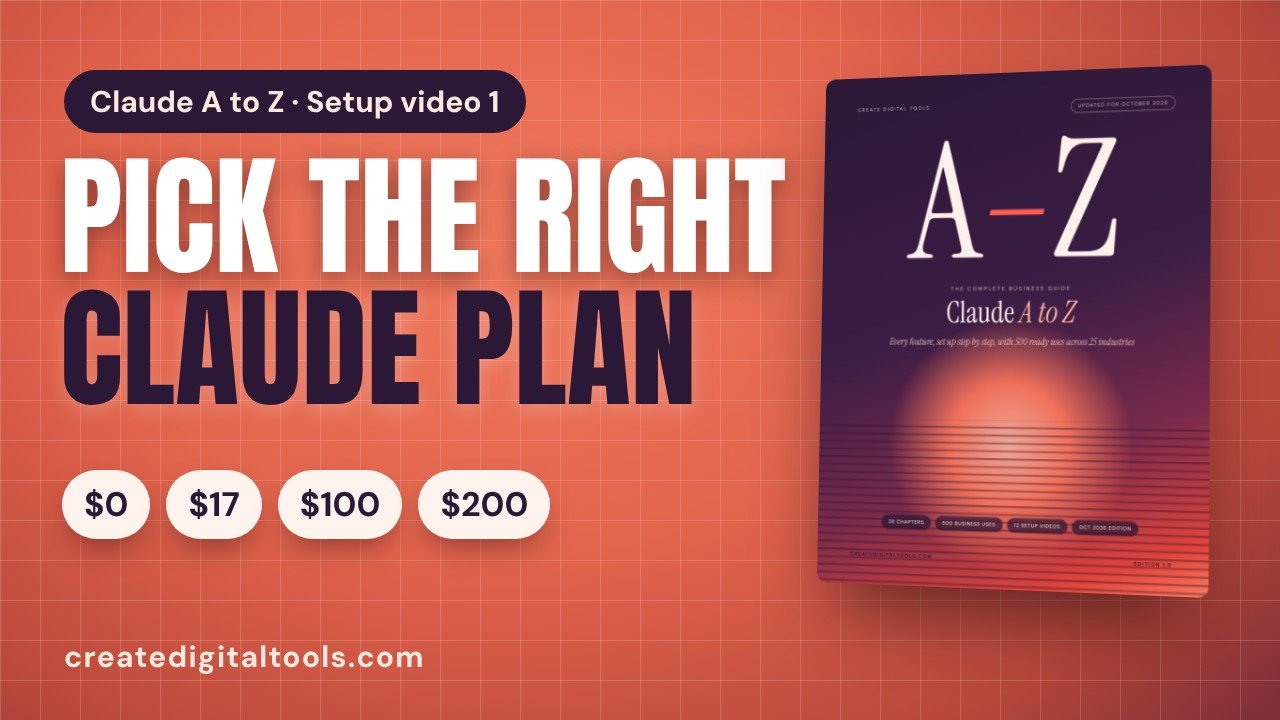 Video 1 · Chapter ACreate your account and pick the right planWatch now
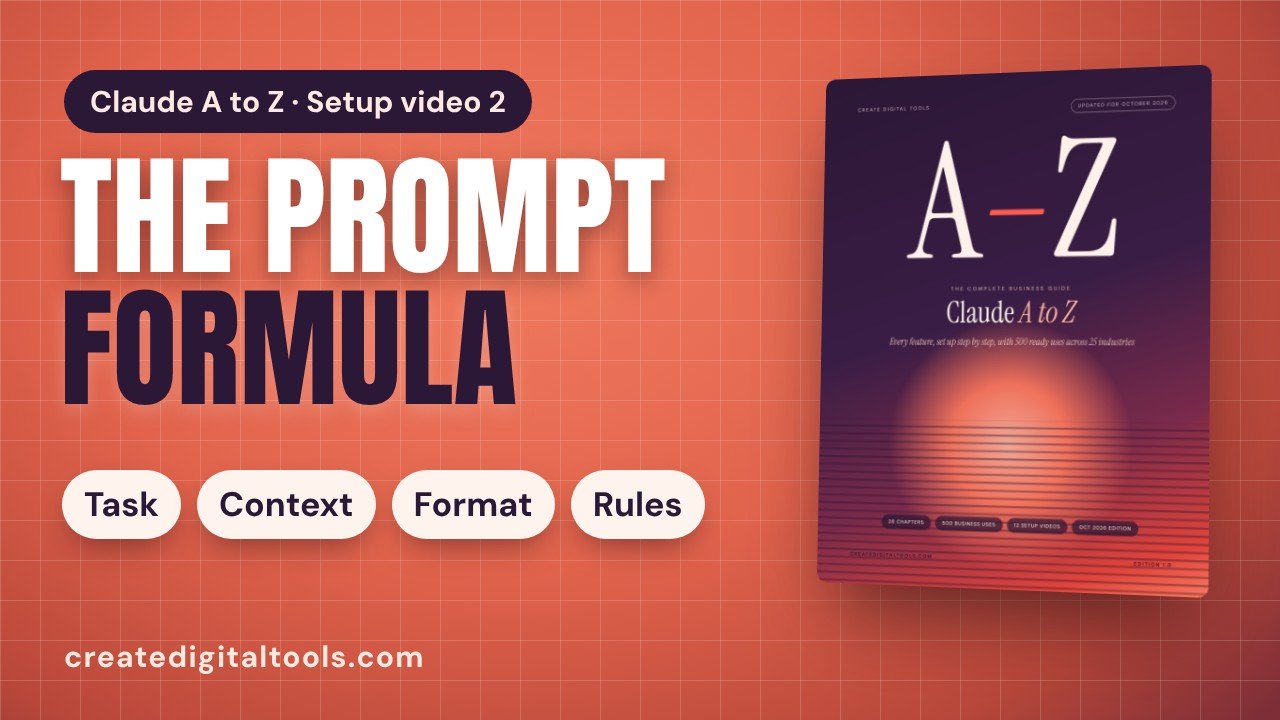 Video 2 · Chapter CThe prompt formula: your first prompt that worksPremieres Sat 24 Oct
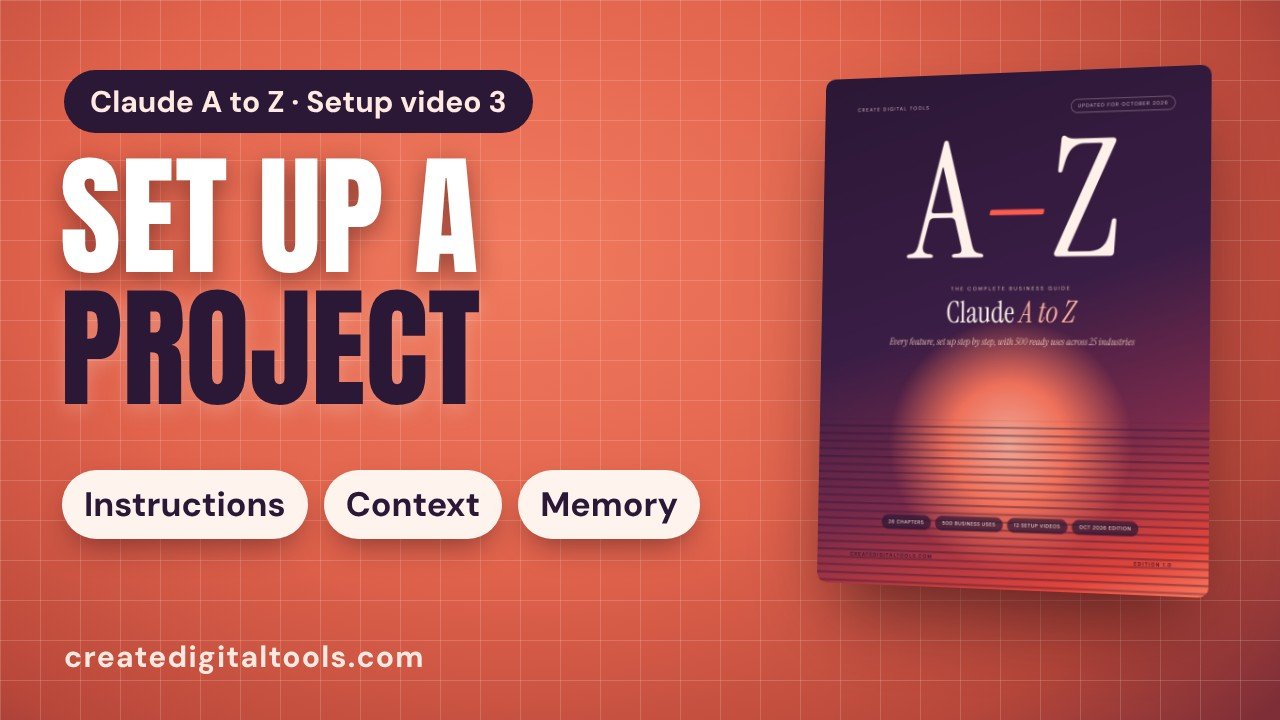 Video 3 · Chapter KSet up a Project for your businessPremieres Sun 25 Oct
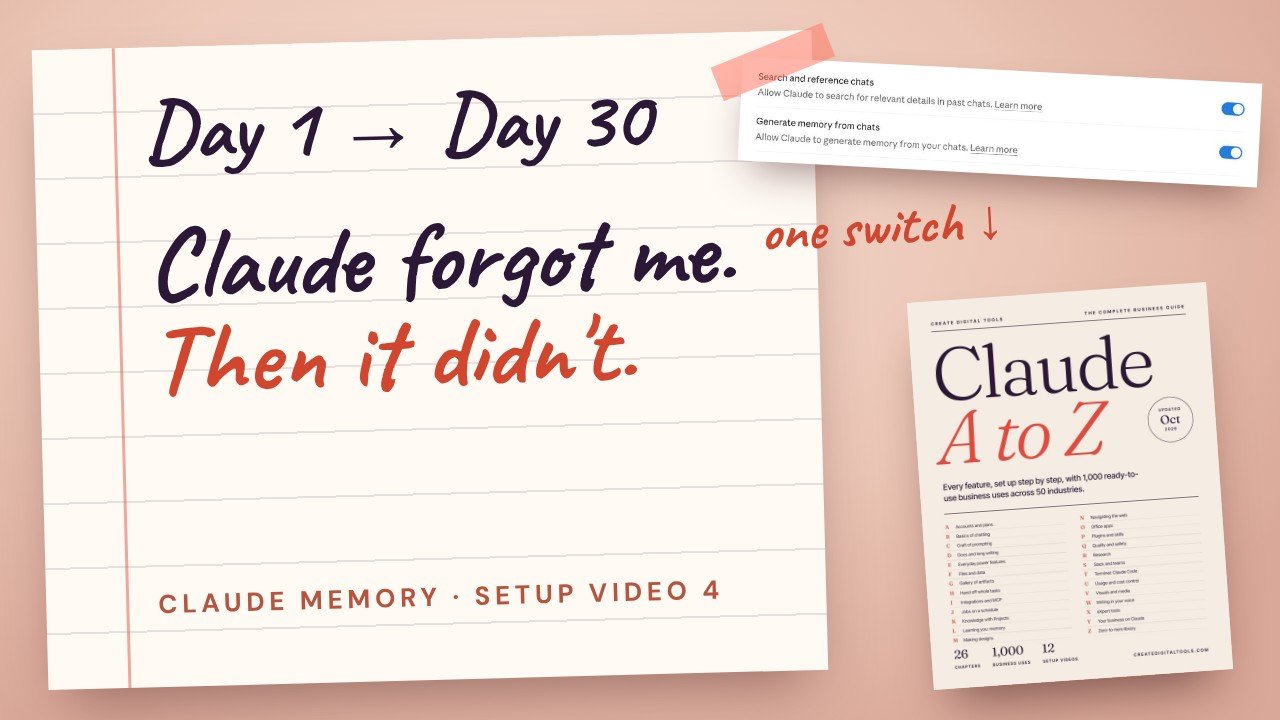 Video 4 · Chapter LThe Notebook: teach Claude to remember your businessPremieres Mon 26 Oct
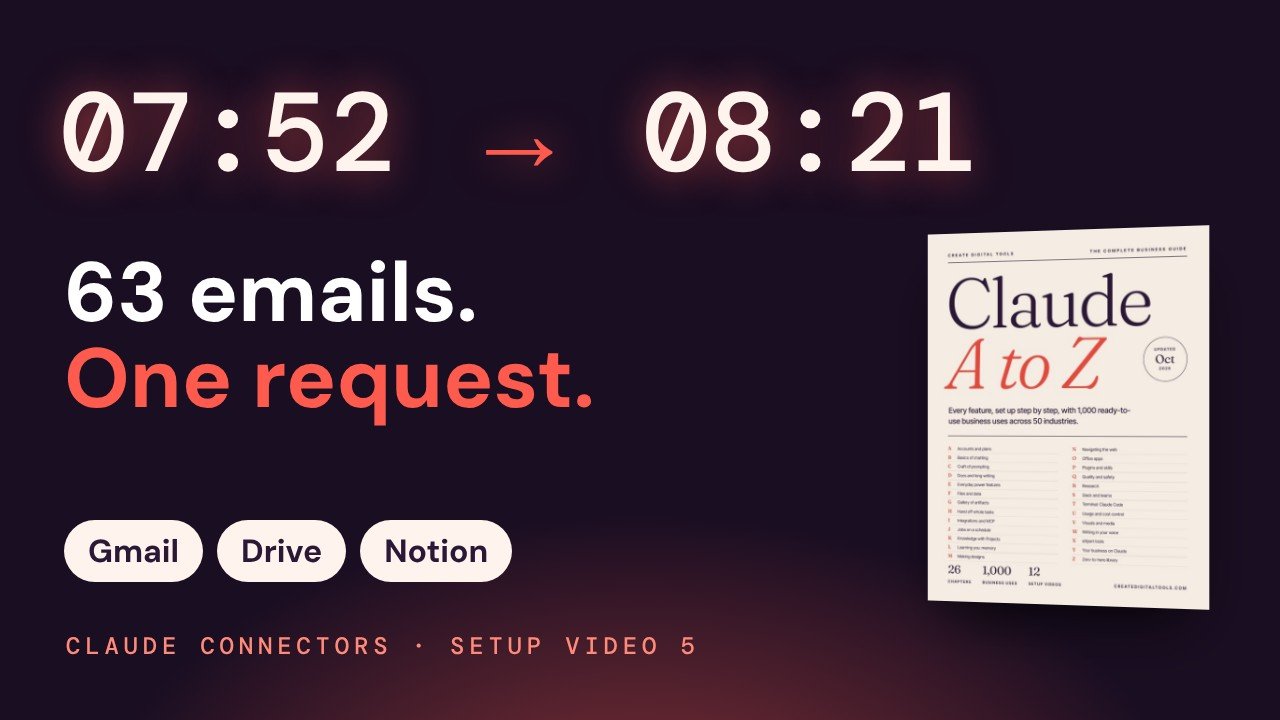 Video 5 · Chapter IRace the clock: Gmail, Drive and Notion in one requestPremieres Tue 27 Oct
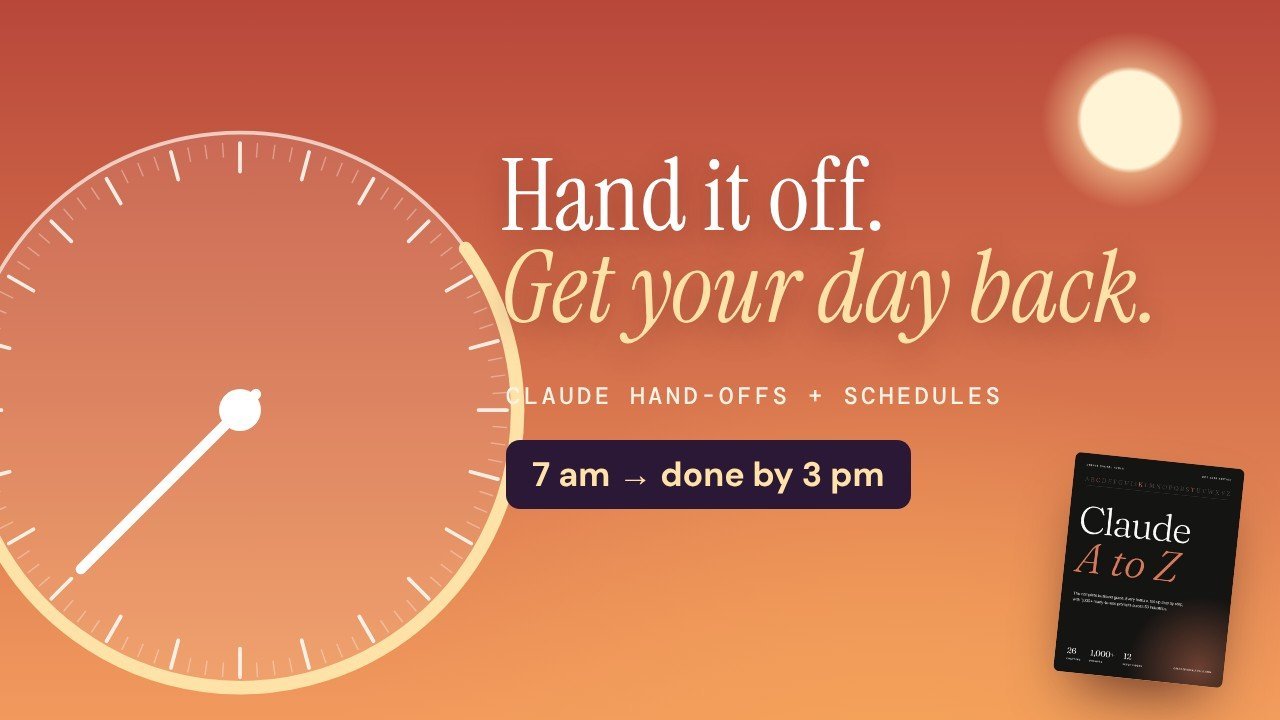 Video 6 · Chapters H + J24 hours on the dial: hand off a task and put it on a schedulePremieres Wed 28 Oct
Each card is one real business job: what to do, which Claude feature to use, a copy-ready prompt and the time it typically saves. It comes as numbered pages in the PDF and as a searchable page you can filter by industry and feature.
I run a [café/restaurant] in [city]. Rewrite these dishes for our new menu: [list with ingredients]. Each description under 20 words, appetising but honest, with allergen codes from our allergen matrix [paste]. Flag any dish whose ingredient list looks incomplete so I can check with the kitchen before printing.
Project instructions: You support [solicitor name] on [matter name], a [claim type] for the [claimant/defendant]. Use only the uploaded pleadings, witness statements and correspondence. Cite the document and paragraph for every fact. When something is not in the files, say so rather than guessing. All outputs are drafts for solicitor review. Key dates: [list].
I run a [small animal / mixed] veterinary practice. Turn the vet's aftercare notes for [procedure, e.g. bitch spay] into a one-page care sheet for owners: wound checks, rest and lead walks, feeding, medication times as prescribed, buster collar use, warning signs and when to call us on [number]. Plain English and short headings. Use only the vet's notes [paste], and mark anything clinical for the vet to approve.
Search my Gmail for threads with our suppliers [names or domains] about open purchase orders [PO numbers]. For each, summarise the last confirmed production status and ready date, then draft a short follow-up asking for an update, photos of finished goods and the confirmed ex-works date. Polite and specific, under 120 words. Draft only; I'll review and send. List any PO where the supplier hasn't replied in [7] days.
This project holds the tenancy agreements, inventories, safety certificates, repair invoices and tenant correspondence for my portfolio. When I ask about a property, answer only from these files and name the document and date. If certificates are near expiry, say so. If the answer isn't in the files, say so rather than guessing. Remind me that legal questions go to a qualified adviser.
Build an artifact: a calculator for our website where people choose how many classes a week they plan to attend and see the cost per class for drop-in, [5]- and [10]-class packs and unlimited membership, using our prices [paste]. Highlight the best-value option. Clean design in our colours [hex], works on mobile.
I run a [bakery/food business] in [town]. Write label text for these products: . For each: product name, ingredients in descending order by weight, allergens in bold, net weight, storage instructions and a best-before line. Check the current food labelling rules for [country] and note anything I need to confirm. Flag any recipe where an ingredient's own components (for example a bought-in filling) are missing.
Using Chrome, open the guest application pages for these podcasts [links]. Fill each form with my bio, topics and links from [Google Doc], tailoring the pitch paragraph to each show's audience in under 100 words. Stop before submitting each form so I can check and send it myself. Tell me any form that needed something I haven't provided.
On the 3rd of every month at 9:00, check the Google Drive folder [Bookkeeping clients] for last month's bank statements and receipts from each client. List clients with nothing uploaded. Draft, don't send, a short reminder email for each, with the upload link [link]. Give me the list as a chat summary.
Find booking enquiries and pre-arrival questions in my Gmail from the last [3] days. Draft replies using our rates [paste], availability from our calendar [link or file], and policies. For enquiries, include the direct booking link [link]. For pre-arrival questions, include check-in details and parking. Draft, don't send, and list any requests needing a decision from me (early check-in, pets, discounts).
Design a case study PDF for my [service] work for [client or anonymised client]. Sections: the client's challenge, my approach, what I delivered, the outcome in their own words if I have a quote [paste], tools used and timeline. Include space for my own screenshots. Use my colours [colours]. Keep it to a single A4 sheet. Export as PDF.
Every Monday at 8:00, read last week's attendance register in [Google Drive folder]. List students below [80]% attendance, anyone absent three or more days in a row and classes with falling numbers. Draft a short check-in email for each student flagged, in Gmail, for me to review. Keep the summary under 150 words. Don't send anything.
12 sample cards of 1,000. Replace the [square brackets] with your own details.
Start at chapter A, pick the right plan and get useful answers on day one, without the jargon.
Hand off whole tasks, schedule weekly reports and keep your prices and tone in a Project.
Roll Claude out with shared Projects, team plans, Slack and an AI use policy you can adapt in an afternoon.
Claude Code, skills, plugins and the API, explained for people who have never opened a terminal.
The library has 1,000 numbered cards across 50 industries, 20 per industry. Each card is one real business task (for example "write menu descriptions with allergen codes"), names the Claude feature to use, gives a copy-ready prompt with [brackets] for your details, and says how much time it typically saves. On top of that you get the 150-prompt bank and 30 before-and-after prompts in chapter C.
You can start on the free plan. Chapter A compares every plan with October 2026 prices and tells you when an upgrade pays for itself. Chapters that need a paid plan (Claude Code, Research, Claude in Chrome, scheduled tasks) say so at the top.
A print-quality PDF you can read on any computer, tablet or phone, plus the prompt library as a searchable web page with filters and copy buttons. Both download straight after purchase.
No. Part 1 starts with creating your account and writing your first prompt. Every setup has numbered steps beside real screenshots.
No. Chapter T explains Claude Code for non-developers with a landing-page walkthrough, but everything else happens in the normal Claude app.
Every plan, price and feature name was checked against Anthropic's official pages in October 2026, and buyers get free updates every quarter.
Yes. The twelve setup videos are free on YouTube and each chapter opener links to its video with a QR code. New videos appear on this page as they premiere.
No. Claude A to Z is an independent guide by Create Digital Tools. It is not affiliated with or endorsed by Anthropic. Claude is a trademark of Anthropic.
Claude A to Z · October 2026 edition
Independent guide by Create Digital Tools. Not affiliated with or endorsed by Anthropic. Claude is a trademark of Anthropic. Industry rankings come from Anthropic’s Economic Index reports (January and March 2026).